
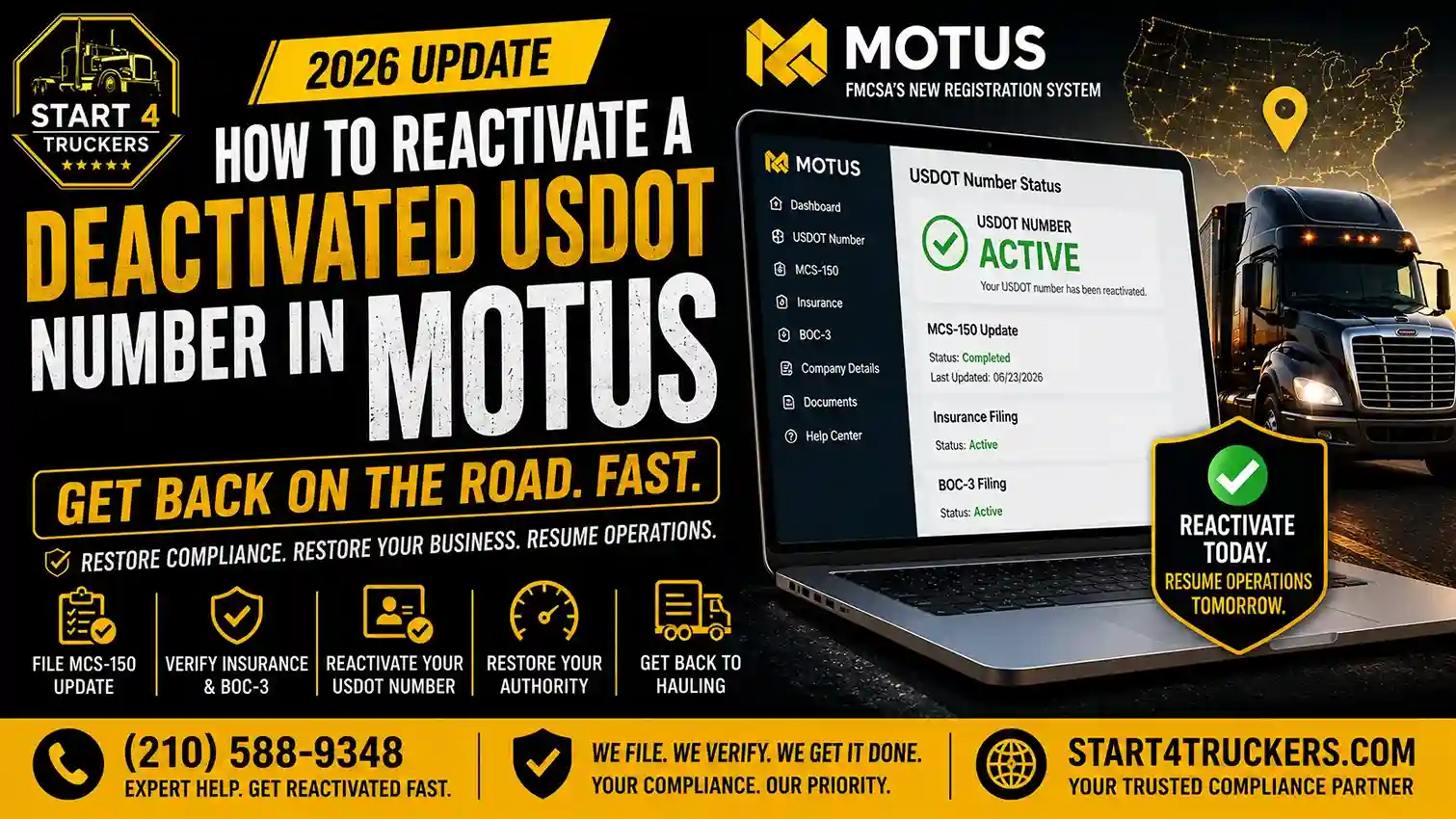
In many cases, you can reactivate an inactive USDOT number without applying for a new one. First, check why FMCSA marked your number inactive. For routine inactivation, you may be able to restore it through Motus by completing the required MCS-150 series filing. If your registration was revoked under the New Entrant program, additional steps apply.
Your number stays the same. Existing USDOT and docket numbers did not change when Motus launched. Don’t start a new registration to get around an inactive status, because that can create a duplicate record and more problems.
Two terms that you can understand clearly:
- MCS-150 is the Motor Carrier Identification Report. It tells FMCSA who you are and what you operate. The MCS-150B is for carriers with a hazmat permit, and the MCS-150C is for intermodal equipment providers.
- Operating authority (MC, MX or FF number) is permission to haul for hire. It is separate from your USDOT number.
Why is your USDOT number inactive?
Here are the most common reason:
- A missed biennial update. SAFER shows this as “Inactive USDOT Number per 49 CFR 390.19(b)(4); Biennial update of MCS-150 data not completed.
- You filed “Out of Business.” FMCSA inactivates a USDOT number when you submit an MCS-150 with “Out of Business” as the reason.
- A New Entrant revocation. This follows its own path (see below).
- Misuse of the number. FMCSA inactivates a USDOT number if it finds the number is being used by anyone other than the assigned legal person, including attempted sales or leases.
Quick Decision Table
| What you see | What it likely means | What to do |
| SAFER: inactive, biennial update not completed, and the update was due before June 1, 2026 | Standard missed-update inactivation | Reactivate in Motus with an MCS-150 filing |
| Inactive, but your update was due on or after June 1, 2026 | FMCSA paused these inactivations | Don’t assume it’s normal. Contact FMCSA through Motus and ask them to review the record |
| Inactive after you filed “Out of Business” | Voluntary inactivation | Reactivate with an MCS-150 before you operate again |
| USDOT revoked under the New Entrant program | Safety-based revocation | Follow the New Entrant reapplication rules |
| USDOT active, MC inactive or revoked | Authority problem, not a USDOT problem | Reinstate the authority separately |
| USDOT inactive and MC revoked | Both need action | Reactivate USDOT first, then request reinstatement |
| Can’t see your record in Motus | Account-linking problem | See “What if Motus isn’t working?” |
How to reactivate a USDOT number in Motus
1. Check your USDOT status
FMCSA tells you to check the SAFER Company Snapshot to verify your current USDOT status. Screenshot what it says, including the exact status wording. If you want help with the lookup, you can have a look at our guide to check your USDOT number status.
2. Sign in and claim your company account
If you already have a USDOT number, the company official can set up a Motus company account by “claiming” the existing record. Use the same Login.gov email you used as the company official in the FMCSA Portal. This is the step where many reactivations stall, so double check the email before you start.
3. Review the reason for inactivity
Open the record and read the status and its stated reason. Motus now shows more specific reasons behind statuses. The reason decides which action you need: a missed update, an “Out of Business” filing, or a New Entrant revocation.
4. Complete the required reactivation action
For a missed biennial update or a voluntary inactivation, you file the MCS-150 series form for your company through Motus. FMCSA does not accept expired versions of the MCS-150, MCS-150B and MCS-150C. Before you submit, have these ready:
- Legal business name and principal address
- Operation type and cargo classifications
- Number of power units and drivers
- Annual mileage
- Contact details and the certifying official’s name
Accuracy matters because this information is public. FMCSA makes MCS-150 data, such as business name, address, operation type, vehicle counts and driver information, available to the public. Need help with the form? See our MCS-150 filing assistance.
5. Submit and check the updated status
Submit, save your confirmation, then track the request in Motus. After FMCSA processes it, check the SAFER Company Snapshot again. If the status hasn’t changed after a reasonable wait, contact FMCSA.
2026 temporary biennial-update suspension
FMCSA has given the extra time to the carriers whose biennial update was due on or after June 1, 2026. Under this temporary measure, their USDOT numbers will not be deactivated just because they missed the update. FMCSA also said carriers will have more time to complete the required updates and should not worry about deactivation caused by Motus access or system issues.
What this does and doesn’t mean:
- It is temporary. FMCSA called the suspension temporary and did not say how long it would last. The update requirement itself still exists.
- It covers updates due on or after June 1, 2026. Compliance firms note it does not cover an update due before June 1, an unrelated registration problem, or an existing inactive status.
- It doesn’t reactivate anything automatically. If your number was already inactive before the pause, you still need to reactivate it.
Because FMCSA hasn’t announced an end date, check FMCSA’s Resources Hub for current guidance before relying on the pause.
What if Motus isn’t working?
Owners have reported a few recurring problems this year. Here is what to do for each.
Motus still shows “inactive” after you linked your account and updated your details.
Linking your account doesn’t change your registration status. The status changes only when the right filing is submitted and FMCSA processes it. Check the request tracker in Motus for a pending reason for example, Pending – FMCSA Review. If your status is still inactive and the request shows complete, contact FMCSA with your USDOT number and filing confirmation. Don’t resubmit repeatedly, because that can slow things down.
Motus and a third-party monitoring service disagree
Treat Motus and the SAFER Company Snapshot as the official record. Third-party services copy FMCSA data and can lag behind. FMCSA hasn’t published how long such updates take, so we can’t promise a timeline. Make sure to verify your status on SAFER first. If SAFER shows active but the third-party service still shows inactive, then the service needs to refresh its data. Tell the broker or shipper who is checking that service, and send them your SAFER snapshot.
You can’t start the biennial update or reactivation workflow
Make sure you’re signed in as the company official, and with the same Login.gov email used in the FMCSA Portal. If the workflow still won’t start, FMCSA says to contact it through Motus when a record doesn’t appear. Take screenshots of any error message.
You can’t link your existing USDOT number
First check the Login.gov email. Then check whether your email was set up in the wrong role. FMCSA’s Resources Hub notes that if your email was inadvertently registered for the Transportation Service Provider role, you can close the TSP account. After that, try “Link USDOT Number” again.
How to reach FMCSA
Use Contact FMCSA inside Motus for chat, email or phone. Support hours are 8:00 AM to 8:00 PM Eastern.
USDOT reactivation vs. MC authority reinstatement
These are two separate processes, and mixing them up is the most common mistake.
| USDOT reactivation | MC authority reinstatement | |
| What it restores | Your USDOT registration | Your permission to haul for hire |
| Typical cause | Missed biennial update, Out of Business filing | Insurance lapse, missing BOC-3, revocation |
| Main filing | MCS-150 series form | Reinstatement request |
| FMCSA fee | See cost section | $80 |
FMCSA’s systems will not allow a reinstatement request if the USDOT number is inactive or out of service. So if both are affected, fix the USDOT number first. To reinstate authority you must also meet the minimum financial responsibility requirements and have a BOC-3 on file. You can’t request reinstatement if you were placed out of service as an imminent hazard or for a final unsatisfactory safety rating.
If your USDOT is active but your MC number is inactive, that’s an authority problem. See our MC authority reinstatement assistance.
What if your New Entrant registration was revoked?
A revoked New Entrant registration follows a different process from a routine inactive USDOT number.
Under 49 CFR § 385.329T, a new entrant whose registration was revoked and operations placed out of service generally cannot reapply until at least 30 days after the revocation date.
The steps depend on why FMCSA revoked your registration. You may need to submit updated registration information, show proof that you corrected safety problems, complete another safety audit, and restart the 18-month monitoring period.
Check your FMCSA revocation notice and follow the current Motus reapplication instructions. An ordinary biennial update alone may not resolve a New Entrant revocation.
How much does USDOT reactivation cost?
FMCSA’s published fees on the pages we reviewed are:
- MCS-150 biennial update and registration updates: FMCSA lists no fee for these updates. Its MCS-150 page lists online updates as free.
- Operating authority reinstatement: $80.
- New operating authority under an active USDOT number: $300 per authority type.
A filing service may charge its own fee on top. That’s a service fee, not an FMCSA fee. See our USDOT registration assistance if you want help.
How long does reactivation take?
FMCSA has not published a guaranteed processing time. Some filing services shows a few business days to a few weeks, but all these are estimates, not FMCSA commitments. Timing can depend on the type of filing, how complete it is, and if FMCSA asks for more information. Make sure to track the request in Motus rather than counting days.
Frequently asked questions
How do I reactivate my DOT number online?
Sign in to Motus with Login.gov, claim your USDOT record as the company official, and submit the MCS-150 series filing that applies to your company.
Can I reactivate an inactive USDOT number through Motus?
Yes. Motus lists inactivating and reactivating a USDOT number as a supported action.
Why is my DOT number inactive?
Usually a missed biennial update or an “Out of Business” filing. A New Entrant revocation or misuse of the number can also cause it.
How do I reinstate my DOT number?
“Reinstate” usually means the same thing as reactivate. For authority (MC number), reinstatement is a separate $80 request.
How long does it take?
FMCSA hasn’t published a fixed timeline. Check the request status in Motus.
Is there an FMCSA fee to reactivate a USDOT number?
FMCSA lists no fee for the MCS-150 filing. Authority reinstatement costs $80.
Can I reactivate my old DOT number instead of applying for a new one?
Yes, in most cases. Reactivate the existing record rather than creating a duplicate.
Do I need to submit Form MCS-150 to reactivate?
Yes. FMCSA says to submit the appropriate MCS-150 series form.
How do I claim my existing USDOT number in Motus?
The company officially signs in with the same Login.gov email used in the FMCSA Portal and selects “Link USDOT Number.”
Can I operate while my USDOT number is inactive?
Treat an inactive USDOT number as not cleared to operate. Compliance guidance warns that operating with an inactive USDOT number can lead you to fines, enforcement actions, or being placed out of service. Reactivate before you run.
Can I reactivate after a failed safety audit?
Not with an MCS-150 alone. See the New Entrant section above.
Is reactivation the same as MC authority reinstatement?
No. They’re separate. Fix the USDOT number first.
Why is my DOT active but MC inactive?
Authority status depends on insurance, BOC-3 and revocation status, not just your USDOT registration.