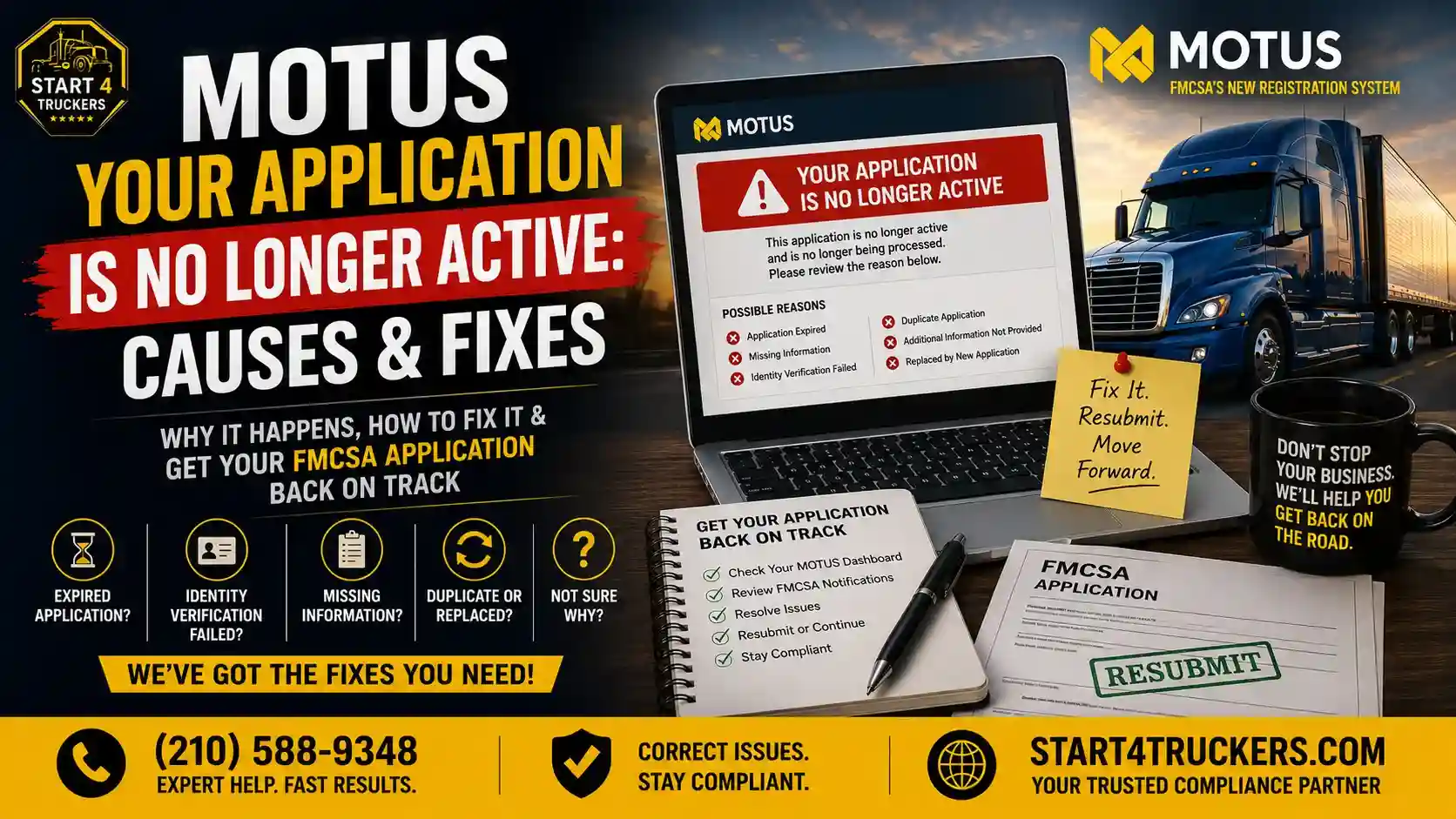
Seeing the “Your Application Is No Longer Active” message in MOTUS can be frustrating, especially when you’re waiting on your USDOT Number or MC Authority to come through. This error doesn’t always mean your application has been denied. In this guide, you’ll learn what the message actually means, the most common causes behind it, how to fix it, and how to get your FMCSA application back on track. Start4Truckers LLC helps carriers work through exactly this kind of MOTUS confusion every day.
What Does “MOTUS Your Application Is No Longer Active” Mean?
The “Your Application Is No Longer Active” message usually means your FMCSA registration application is no longer being processed. This can happen because the application expired before completion, was withdrawn, contained missing information, failed identity verification, was replaced by a newer application, or required resubmission. Review your MOTUS account carefully to identify the exact reason before taking further action.
What Does the “Your Application Is No Longer Active” Message Mean in MOTUS?
This message means FMCSA has stopped actively processing your application, distinct from a denial. It’s simply a status marker showing that something interrupted your original submission, whether that’s a missed deadline, missing information, or a newer application taking its place.
Difference Between Active, Pending, Approved, Rejected, and No Longer Active
These statuses each carry a different meaning:
- Active Your application is currently being processed
- Pending FMCSA is reviewing a specific piece of your submission
- Approved Your application has been accepted and authority issued
- Rejected: Your application was formally denied
- No Longer Active Processing on this specific application has stopped, often for a fixable reason
Does “No Longer Active” Mean Your Application Was Denied?
Not necessarily. “No longer active” is a broader status than “rejected.” It often reflects an incomplete step, an expired window, or an administrative change, rather than a formal denial of your registration.
Can You Still Continue Your Registration Process?
In many cases, yes. Depending on the specific cause, you may be able to correct the issue and continue, or you may need to submit a new application. The next sections walk through how to tell which situation applies to you.
Why Does MOTUS Say Your Application Is No Longer Active?
Multiple things can trigger this message, including an expired application window, failed identity verification, missing required information, duplicate submissions, or unanswered FMCSA requests for additional documentation. It isn’t always a system error, and it isn’t always something you did wrong.
Your Application Expired Before Completion
If an application sits incomplete for too long without required steps being finished, it can expire and show as no longer active.
Identity Verification Through Login.gov Failed
Identity verification issues are a frequent cause of stalled applications. Our guide on Login.gov and MOTUS account setup and our post on MOTUS identity verification failed both cover this in detail.
Required Information Was Missing
An incomplete submission, whether it’s a missing business detail or an unanswered required field, can cause FMCSA to pause processing.
Duplicate Applications Were Submitted
If more than one application was submitted for the same business, the earlier one can be marked no longer active in favor of the newer submission.
FMCSA Requested Additional Information That Was Not Provided
If FMCSA asked for clarification or documentation and it wasn’t submitted within the required window, your application can lose its active status.
You Started a New Application That Replaced the Previous One
Sometimes this status simply reflects that a newer application supersedes an older one, intentionally or not.
Administrative Review Closed the Application
In some cases, an administrative review concludes that the original application can’t move forward as submitted, requiring a fresh start.
Technical Issues During the MOTUS Transition
Given the scale of the MOTUS rollout, some applications were affected by transition-related technical issues rather than anything related to the applicant’s submission. Our guide on MOTUS registration errors covers common problems tied to this transition.
Not sure which of these applies to your application? Call Start4Truckers LLC at (210) 588-9348, and we’ll help you figure it out.
How to Check Why Your MOTUS Application Is No Longer Active
Start by reviewing your MOTUS dashboard and application history, then check your email for FMCSA notifications, and verify your Login.gov identity status before assuming a system error.
Review Your MOTUS Dashboard
Your dashboard often shows a status note or flag that points to the specific reason your application stopped processing.
Check Application History
Look through your account’s application history to see if a newer submission exists or if a specific step was left incomplete.
Read FMCSA Notifications
FMCSA notifications inside your MOTUS account can point directly to what triggered the status change.
Verify Login.gov Identity Status
Confirm your identity verification actually completed successfully, since a silent failure here is a common, easy-to-miss cause.
Review Your Email for FMCSA Updates
Check your email, including spam folders, for any FMCSA correspondence you may have missed regarding your application.
Contact FMCSA Support if No Reason Is Displayed
If none of the above turns up a clear answer, it’s time to contact FMCSA support directly for clarification.
How to Fix the MOTUS Your Application Is No Longer Active Error
Fixing this error starts with identifying the exact cause, correcting any missing information, completing identity verification, and either continuing your existing application or submitting a new one, depending on what FMCSA requires.
Step 1: Identify the Exact Cause
Use the checks above to pinpoint exactly why your application status changed before taking any corrective action.
Step 2: Correct Missing Information
If incomplete information was the issue, go back through your submission and fill in any missing fields or details.
Step 3: Complete Identity Verification
If identity verification stalled your application, finish this step through Login.gov before proceeding further.
Step 4: Upload Required Documents
Make sure any requested documentation, such as business registration details or insurance information, has been uploaded correctly.
Step 5: Submit a New Application (If Required)
In cases where the original application can’t be revived, you may need to start a new application through MOTUS. Our guide on how to apply for a new USDOT number in MOTUS walks through this process.
Step 6: Contact FMCSA for Manual Review
If you’ve addressed everything you can identify and the status still hasn’t changed, request a manual review directly from FMCSA.
Step 7: Monitor Your Application Status
Check back on your MOTUS account regularly after taking corrective steps rather than assuming the fix was automatically applied.
Want help getting your application back on track without the guesswork? Call Start4Truckers LLC at (210) 588-9348 today.
Documents You May Need to Reactivate or Resubmit Your Application
Depending on your specific situation, you may need your Form MCSA-1 information, business registration documents, USDOT and MC authority details, insurance filing, BOC-3 filing, and identity verification records.
- Form MCSA-1 Information – Your original registration application details
- Business Registration Documents – Confirming your legal business name and structure
- USDOT Registration Details – Confirming your existing or requested USDOT Number
- MC Authority Information – Relevant if you’re applying for operating authority
- Insurance Filing (If Applicable) – Required for certain authority types
- BOC-3 Filing – Required before operating authority can activate; see our guide on BOC-3 filing if you haven’t completed this step
- Identity Verification Documents – Needed to resolve any Login. gov-related holdups
Common MOTUS Application Errors That Can Lead to an Inactive Application
Common triggers include incorrect business names, mismatched Tax id or SSN details, duplicate carrier profiles, email verification problems, identity verification failures, missing required fields, incorrect business addresses, and incomplete submissions.
Incorrect Business Name
A mismatch between your legal business name and what’s entered in MOTUS can flag your application for review.
Incorrect Tax id or SSN
Errors in your tax identification details are a common, easily overlooked cause of processing issues.
Duplicate Carrier Profile
If your business already has a profile in the system, a second application can conflict with the existing record.
Email Verification Problems
If your email wasn’t properly verified, important notifications and next steps may never have reached you.
Identity Verification Failure
This remains one of the most common causes across the entire MOTUS platform, not just for existing carriers but for new applicants as well.
Missing Required Fields
Even a single missing required field can be enough to stall an otherwise complete application.
Incorrect Business Address
Address mismatches between your application and other business records can trigger a review flag.
Incomplete Application Submission
Sometimes the simplest explanation is the right one: the application was never fully submitted in the first place.
Can You Continue Operating If Your Application Is No Longer Active?
If you don’t yet have an issued USDOT Number or MC Authority, you generally cannot begin operating under that pending application. If you already hold active authority separate from this specific application, that authority isn’t automatically affected by this status.
It’s important to distinguish between an application that’s no longer active and an already-issued USDOT Number or MC Authority. If your registration application was for a new authority that hasn’t been granted yet, you should not begin operating as though you have it. Before doing anything else, confirm your actual registration status directly with FMCSA rather than assuming based on the MOTUS message alone.
How Long Does FMCSA Take After You Resubmit an Application?
Processing times vary depending on the complexity of your correction and current FMCSA review volume. Straightforward corrections, like fixing a missing field, are typically faster than situations requiring manual review or additional documentation.
Typical Processing Timeline
While exact timelines vary, corrected applications generally move through review faster than first-time submissions with open questions.
Factors That May Delay Approval
Delays often stem from incomplete documentation, unresolved identity verification, or a backlog of applications during high-volume periods.
How to Track Your Application Progress
Check your MOTUS dashboard regularly, and don’t hesitate to follow up if your status hasn’t updated within a reasonable timeframe. Our guide on why FMCSA may be taking so long to approve your MC or DOT application covers this in more depth.
How to Prevent Your MOTUS Application From Becoming No Longer Active Again
Prevent future issues by completing every required section the first time, verifying your identity early, responding quickly to FMCSA requests, avoiding duplicate applications, and monitoring your MOTUS dashboard regularly.
Complete Every Required Section
Double-check your application before submitting to avoid leaving any required fields blank.
Verify Your Identity Early
Complete Login.gov identity verification as early in the process as possible, rather than leaving it for later.
Respond Promptly to FMCSA Requests
If FMCSA asks for additional information, respond as quickly as you can to avoid your application expiring.
Avoid Creating Duplicate Applications
Check your account history before starting a new application to make sure one doesn’t already exist.
Keep Your Login.gov Account Updated
Outdated credentials or contact information tied to Login.gov can create unnecessary friction.
Upload Accurate Business Information
Confirm that your business name, address, and identification numbers match your official records exactly.
Monitor Your MOTUS Dashboard Regularly
Regular check-ins help you catch and resolve issues before they escalate into an expired or inactive application.
When Should You Contact FMCSA?
Contact FMCSA if your application shows no clear reason for the status change, has been stuck for an extended period, displays an incorrect status after submission, won’t let you submit a new application, or if identity verification issues persist despite your best efforts.
Situations that typically call for direct contact include:
- No reason displayed for the status change
- Application stuck for an extended period with no update
- Incorrect status shown after a completed submission
- Inability to submit a new application when one is needed
- Ongoing identity verification problems
How Start4Truckers LLC Can Help
Figuring out why a MOTUS application suddenly shows as no longer active, and what to do next, can eat up hours you don’t have. Start4Truckers LLC helps carriers and new applicants with:
- FMCSA registration assistance
- MOTUS account support
- Application review
- Application resubmission
- USDOT registration
- MC Number registration
- Operating authority applications
- BOC-3 filing
- Compliance guidance
If you’re unsure why your application became inactive, our team can help you pinpoint the cause and move your registration forward. Explore our trucking company setup services or check our plans and pricing for ongoing support.
Call Start4Truckers LLC today at (210) 588-9348 or visit our contact page to get your MOTUS application back on track.
Conclusion
Seeing “Your Application Is No Longer Active” in MOTUS is unsettling, but it isn’t automatically the end of the road. The message can stem from anything as simple as a missed field or an unfinished identity verification step, or as involved as a duplicate application or expired submission window. The key is identifying your specific cause before assuming the worst, then either correcting the existing application or submitting a new one as needed.
Staying proactive, completing every section carefully, and monitoring your MOTUS dashboard regularly is the best way to avoid running into this again. Start4Truckers LLC is a trusted partner for FMCSA and MOTUS registration support, whether you’re troubleshooting a stalled application or starting fresh. Call us at (210) 588-9348 or reach out through our contact page to get help today.
Frequently Asked Questions
1. What does “Your Application Is No Longer Active” mean in MOTUS?
It means FMCSA has stopped actively processing your specific application, often due to an expired window, missing information, or a newer application taking its place. It doesn’t automatically mean your registration was denied.
2. Why does MOTUS say my application is no longer active?
Common causes include an expired incomplete application, failed identity verification, missing required information, duplicate submissions, or unanswered FMCSA requests for additional documentation.
3. Can I reactivate a MOTUS application that is no longer active?
In some cases, yes, particularly if the issue is a fixable one like missing information or incomplete identity verification. In other cases, you may need to submit a new application instead.
4. Do I need to submit a new FMCSA application?
It depends on the cause. If your original application can be corrected and continued, a new submission may not be necessary. If it can’t be revived, a new application through MOTUS is typically required.
5. How do I fix the MOTUS application no longer active error?
Identify the exact cause first, then correct any missing information, complete identity verification if needed, upload required documents, and either continue your existing application or submit a new one as appropriate.
6. Does failed Login.gov identity verification affect my application?
Yes. Identity verification failures are one of the most common reasons an application stalls or shows as no longer active in MOTUS.
7. Can an incomplete application become inactive in MOTUS?
Yes. If required steps aren’t completed within the application window, the submission can expire and show as no longer active.
8. How can I check my MOTUS application status?
Review your MOTUS dashboard and application history directly, and check your email for any FMCSA notifications related to your submission.
9. What documents are required to complete or resubmit a MOTUS application?
You may need your Form MCSA-1 details, business registration documents, USDOT and MC authority information, insurance filing, BOC-3 filing, and identity verification records, depending on your specific situation.
10. How long does FMCSA take to review a corrected application?
Processing times vary based on the complexity of the correction and current review volume, but straightforward fixes are generally quicker than applications requiring manual review.
11. Can I edit an application that is no longer active?
This depends on the specific cause. Some issues allow you to correct and continue the existing application, while others require starting a new submission.
12. Does MOTUS automatically expire incomplete applications?
Yes, applications left incomplete for too long can expire, which is one of the more common reasons for this status message.
13. What should I do if MOTUS shows the wrong application status?
Double-check your application history and FMCSA notifications first. If the status still seems incorrect, contact FMCSA directly for clarification.
14. Will my application become active automatically after I fix the issue?
Not always instantly. After correcting the underlying issue, monitor your MOTUS dashboard to confirm the status updates rather than assuming it happens right away.
15. Can Start4Truckers LLC help with MOTUS application issues?
Yes. Start4Truckers LLC helps carriers and new applicants identify why an application became inactive and handles the necessary corrections, resubmissions, and follow-up to move the registration forward.