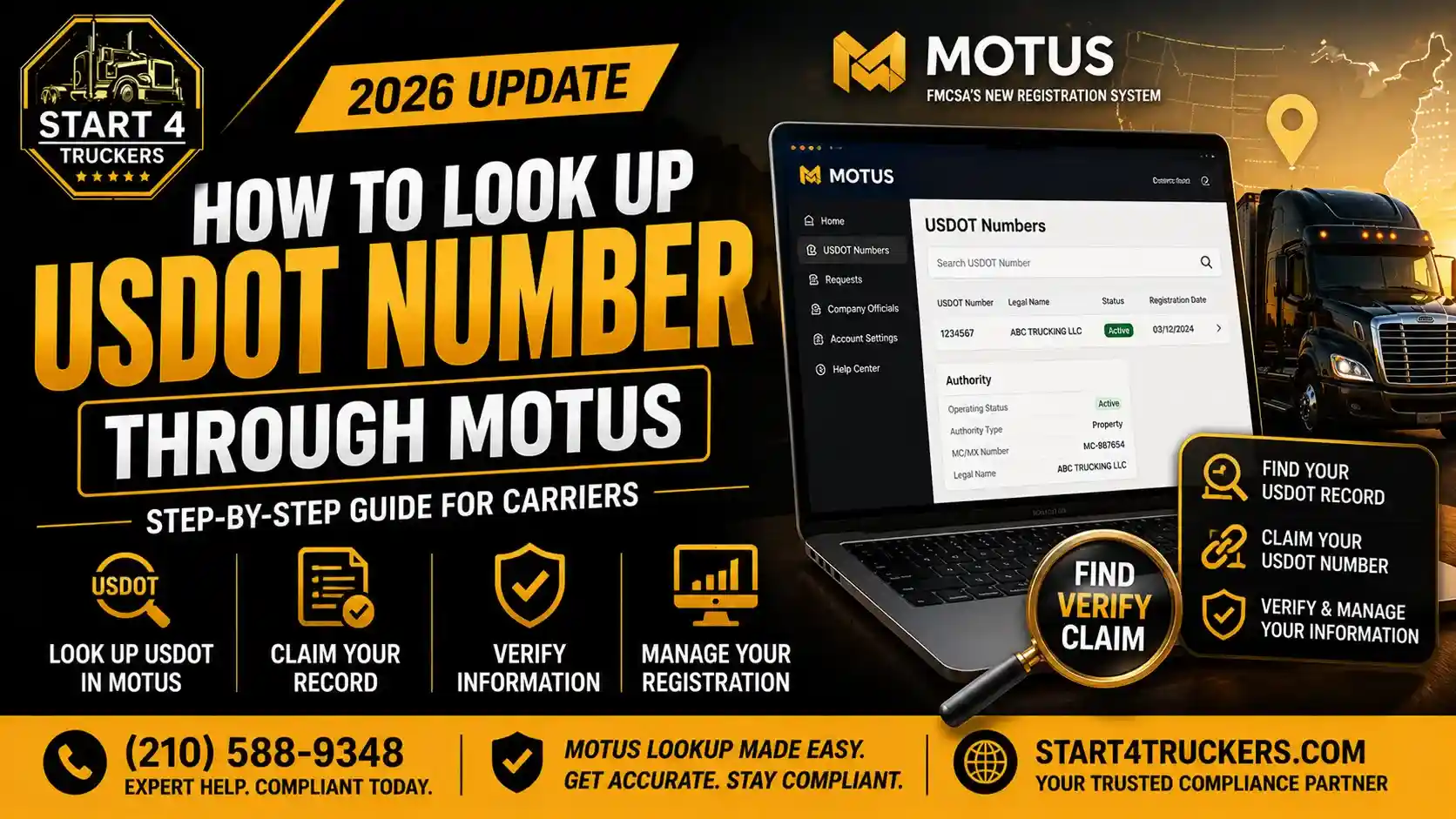
You can search the USDOT number for free by using two official FMCSA tools. These are Motus public company search, it accept the USDOT number, legal name or DBA and returns the registration record. The second is SAFER Company Snapshot searches by USDOT, MC/MX number or company name and then adds the safety information. You don’t have to create an account or sign in to search. You only need to sign in to manage your own registration. For the best results make sure to search it by using the exact USDOT number.
How to Look Up a USDOT Number
Here is the quick version:
- Have a USDOT number? Search it in Motus public search for the registration record, and then open the same number in SAFER for the Company Snapshot.
- Only have a company name? Search the legal name (or DBA) in Motus, note the USDOT number from the correct result, then re-search that number to confirm you have the right company.
- Only have an MC/MX number? Use SAFER, which accepts MC/MX numbers. Write down the USDOT number it returns and search by that number from then on.
- Need to verify status? Check USDOT status, MC authority status and out-of-service status separately. They are different fields and one does not imply another (see the status section below).
Whichever route you take, make sure to confirm the legal name, USDOT number and physical address match what the carrier gave you. Name searches regularly return similar looking companies.
How to Search a USDOT Number in Motus (Public Search)
Motus is FMCSA’s USDOT registration system. Besides letting company officials register and update records, it includes a public search where anyone can look up an entity’s registration record by USDOT number, legal name or DBA. Public search does not require Login.gov or a claimed company account.
Search by exact USDOT number
This method is the quick way and also most reliable because a USDOT number identifies one entity. Make sure to enter the full number in the public search and open the matching record. If there are no results appear then double-check for transposed digits before assuming the company does not exist.
Search by legal business name
Motus name search works from the beginning of the company name, so make sure to start with the first words of the legal name as registered for example, “Smith Transport” rather than “Transport Smith”. Skip the punctuation and suffix variations at first, then narrow if you get too many results.
Search by DBA
Public search also accepts a DBA (“doing business as”) name. This matters because the name on a truck door or website is often a trade name, not the legal name. If a DBA search fails, try the legal name, or ask the carrier for its USDOT number.
Read matching company records
When you open a record, compare these fields against the paperwork you have (rate confirmation, W-9, contract or certificate of insurance):
- Legal name and DBA
- USDOT number and status
- Physical address and phone
- Entity and operation type
- Operating authority type and docket number, where listed
If the legal name and address do not match what you were given then stop and ask the questions before doing a business. Matching USDOT numbers with mismatched names or addresses is a very common warning sign.
How to Check a Carrier in SAFER Company Snapshot
The SAFER Company Snapshot is FMCSA’s public carrier snapshot. Motus did not replace it. It remains the go-to page for a quick view of a carrier’s identity, operating status and safety record.
Step-by-step:
- Open the SAFER Company Snapshot.
- Choose a search type that is USDOT Number, MC/MX Number or the Company Name.
- Then enter the value and submit. For name searches, make sure to use the legal name and pick the right entry from the list.
- Open the snapshot and review the sections below.
What the snapshot shows:
- Company details such as legal name, DBA, USDOT number, MC/MX numbers, physical and mailing address, phone.
- Status fields like USDOT status, operating authority status and out-of-service information.
- Company Size: Number of trucks and drivers, plus MCS-150 mileage and filing date.
- Cargo and operation: operation classification, carrier operation and cargo types carried.
- Safety information such as inspections, crashes and the carrier’s safety rating details where available.
Limits to keep in mind. SAFER is a snapshot, and it can lag recent changes. It is not a substitute for checking all applicable authority, insurance and process-agent data. For those, check the carrier’s record in Motus public search, and ask for current certificates when it matters.
Motus vs SAFER: Which Lookup Should You Use?
Both are official, both are free for public searches, and they answer different questions. For a deeper breakdown, see our guide to Motus vs SAFER.
| Need | Best tool | Notes |
| Find a company by USDOT number, legal name or DBA | Motus public search | Public lookup; No sign-in or Login.gov needed |
| Check safety information, operating status, carrier identity, fleet details, cargo and size | SAFER Company Snapshot | Search by USDOT, MC/MX number, or company name |
| Check authority status and whether insurance and BOC-3 filings are posted | Motus public search | Shows the registration record and the reason behind a pending status |
| Update your own company’s
registration |
Signed-in Motus account | Requires Login.gov and a claimed company account |
| Verify historical licensing and insurance information | Legacy FMCSA Licensing & Insurance (L&I) | Historical records only; new Motus filings are not reflected there |
Since May 14, 2026, FMCSA has used Motus for current registration and filing activity. The legacy Licensing & Insurance (L&I) system remains available for viewing historical motor carrier records, but new Motus filings are not reflected there.
How to Find My Own USDOT Number
If you cannot remember your USDOT number, try these in order:
- Search your legal name or DBA in Motus public search or SAFER, then confirm the address and owner details.
- Check your paperwork: the number often appears on your MCS-150 filing, FMCSA correspondence, insurance certificates, state permits and your truck’s door markings.
- Look at your signed-in Motus account. The account page shows your USDOT number and current status. If you cannot get in, see our guides on Login.gov and Motus account setup and Motus identity verification failed.
- Contact FMCSA registration support if you still cannot find it: 1-800-832-5660 or the FMCSA support form.
Haven’t applied yet? You may simply not have a number. See how to apply for a new USDOT number in Motus.
How to Check if a USDOT Number Is Active
Open the number in Motus public search or SAFER and read the USDOT status. But “active” can mean different things depending on which field you read, so don’t stop at one:
| Status | What it describes |
| USDOT status (Active / Inactive) | Whether the USDOT registration is current |
| MC operating authority (Authorized / Not Authorized) | Whether the carrier holds authority to haul regulated freight for hire |
| Out-of-service status | Whether FMCSA has ordered the carrier to stop operating |
| Insurance and BOC-3 on file | Whether required filings are posted to the authority |
These do not imply each other. A carrier can have an active USDOT number and no operating authority (some private or exempt carriers never need one). A carrier can also have an active USDOT and an MC authority that is Not Authorized because of a revocation or lapse.
“Pending” authority is not automatically a BOC-3 problem
If you are checking your own new authority and it still shows pending, resist the urge to blame the BOC-3. FMCSA will not grant operating authority until the required financial responsibility (insurance) and process-agent designation are on file, but a pending status can have several causes:
- Insurance filing not posted or filed by the insurer under the wrong name or docket number
- BOC-3 not yet filed or not yet posted by your process agent
- Application still in its review or protest period
- Unresolved registration or identity-verification issues in Motus
A fast way to sort it out is First, check your company record in Motus to see if your BOC-3 and insurance filings are listed. If any of them is missing then contact your process agent or insurance provider to get it submitted.
If the BOC-3 really is the issue:
- Missing: your process agent has not filed it, or it has not posted. Ask for the filing date and confirmation they submitted it under your exact USDOT and MC/docket numbers.
- Rejected or not matching: the most common cause is a mismatch between the legal name or docket number on the filing and FMCSA’s record. Have the agent correct the name or number and re-file.
- Process-agent change: a new blanket company’s filing replaces the prior designation. File the new one before cancelling the old one so there is no gap, because a lapse can put active authority at risk. Also tell your agent when your legal name changes.
- Revoked for lapse: if authority was revoked because of a missing process-agent designation, you need a new filing and may need to reinstate.
If the reason for the delay is unclear, contact your insurance filer, designated process agent, or FMCSA for confirmation. Do not assume that a missing BOC-3 is the cause based solely on your public search result.
Why Is My USDOT Number Not Showing Up?
Work through this checklist before assuming there is a problem with your registration:
- Spelling or wrong name type. Try the legal name, then the DBA. Check punctuation and spacing.
- Partial or reversed name. Motus name search works from the beginning of the company name.
- Incorrect number. Re-check digits against your MCS-150, FMCSA letters or insurance documents.
- New record sync delay. A newly issued number may take time to appear across systems, especially in SAFER.
- Name or address changed recently. Search the previous name or address too.
- Account-claim confusion. Not having claimed your company account does not remove you from public search. These are separate things.
- Inactive registration. Inactive records can still appear in results, so check the status field.
- System issue. Try again later or report a Motus issue to FMCSA.
Where to check next: Motus public search, then the SAFER Company Snapshot, then any correspondence from FMCSA or your filer. If the record still doesn’t appear or is wrong, contact FMCSA registration support at 1-800-832-5660 or use their online support form.
Common USDOT Lookup Mistakes
- Searching by name only and picking the first similar-looking company. Confirm with the USDOT number.
- Treating the DBA as the legal name (or the reverse).
- Treating “USDOT Active” as proof of authority. Check MC authority separately.
- Relying on SAFER alone for insurance and process-agent filings.
- Using third-party sites as the source of truth. They republish FMCSA data and can lag. Verify critical details with FMCSA directly.
- Assuming MC and DOT numbers are the same thing. They are separate identifiers.
- Assuming Login.gov is required to search. It’s only needed to manage your own registration.
Getting a DOT Number or Fixing Your Registration
If your search turned up a problem with your own record, here is what typically applies:
- No USDOT number yet: see how to apply for a new USDOT number in Motus.
- Outdated company details: an update may be required. Our MCS-150 filing service covers records that need correcting.
- Authority previously revoked: see MC/DOT authority reactivation.
- Missing or rejected BOC-3: see the BOC-3 filing service.
Need help getting registered or fixing a record? Get USDOT registration assistance from Start4Truckers.com.
Frequently Asked Questions
1. How do I look up a USDOT number for free?
Use FMCSA’s Motus public search or the SAFER Company Snapshot. Both are free and need no account. Enter a USDOT number for an exact match, or a legal name or DBA to find it. Confirm the address and legal name on the record before relying on the result.
2. Can I look up a DOT number by company name?
Yes. Both Motus public search and SAFER support company name searches. Start with the beginning of the legal name, then check the address and details to pick the correct entity. Once you find the right company, note its USDOT number and re-search by number to confirm.
3. Can I search a carrier using its DBA name?
Yes, Motus public search accepts DBA names. If nothing comes up, try the legal name or ask the carrier for its USDOT number, since the name on a truck or website is not always the registered one.
4. How do I use the Motus public company search?
Open Motus public search and enter a USDOT number, legal name or DBA. Select the matching result and review the registration record, including legal name, address, status and operation details. You can use it without signing in or claiming a company account.
5. Do I need Login.gov to search USDOT numbers in Motus?
No. Public search does not require Login.gov. Login.gov is needed for company officials to claim, update or manage a registration in a signed-in Motus account. If you only want to look up a carrier, you can skip it.
6. What is the difference between Motus Public Search and SAFER?
Motus public search returns a company’s registration record by USDOT, legal name or DBA. SAFER’s Company Snapshot adds operating status and safety information and can be searched by MC/MX number too. Use Motus to find and identify a company, and SAFER to review its profile.
7. Can I search by MC/MX number instead of USDOT?
Yes, in SAFER. The Company Snapshot lets you choose USDOT, MC/MX or company name. If you start with only an MC number, find the USDOT number it returns and search by that number to avoid mixing up similarly named companies.
8. How do I find my USDOT number if I forgot it?
Search your legal name or DBA in Motus public search or SAFER. You can also check your MCS-150, FMCSA letters, insurance certificates, or your signed-in Motus account. If none of that works, contact FMCSA registration support at 1-800-832-5660.
9. What information appears in the SAFER Company Snapshot?
It shows identification details (name, addresses, USDOT and MC/MX numbers), USDOT and operating authority status, out-of-service information, fleet size, operation and cargo classifications, and safety information such as inspections and crashes. It is a summary and may lag recent updates.
10. How can I check whether a USDOT number is active?
Open the number in Motus public search or SAFER and read the USDOT status field. Then check MC authority and out-of-service status separately, because those are different statuses. For insurance and process-agent filings, check the Motus public record.
11. Why does my USDOT show Active but my MC authority says Not Authorized?
They measure different things. USDOT status reflects registration with FMCSA, while operating authority covers your legal permission to haul regulated freight for hire. Authority can be revoked or lapse (for example, for missing filings) while the USDOT number stays active. Check which filings are on record before acting.
12. Why is my DOT number not showing in Motus Public Search?
Common causes are a typo, searching the wrong name type, using a partial or reversed name, a recently issued record that hasn’t synced, or a recent name or address change. Check the number against your documents and try your DBA. If it still fails, contact FMCSA registration support.
13. Why is my newly assigned DOT number missing from SAFER?
New records can take time to appear across systems, so SAFER may lag. Confirm the number in Motus first, wait, and search again. If it is still missing after a reasonable time, contact FMCSA registration support rather than re-submitting your application.
14. How do I verify a broker or motor carrier before working with them?
Get their USDOT and MC numbers, then check Motus and the SAFER snapshot for matching name, address and status. Confirm authority, insurance and process-agent filings in Motus, and request a current certificate of insurance. Compare everything against your contract and W-9.
15. Can an inactive USDOT number still appear in search results?
Yes. Inactive records can still be found in public search, which is why you should read the status field instead of assuming that appearing in results means a company is active. An inactive number may need to be reinstated before the carrier can operate.
16. Who should I contact if my public record is incorrect?
Contact FMCSA registration support at 1-800-832-5660 or through the FMCSA support form. If you are the company official, you can often update details in your signed-in Motus account. Public search is read-only, so you cannot correct a record from there.