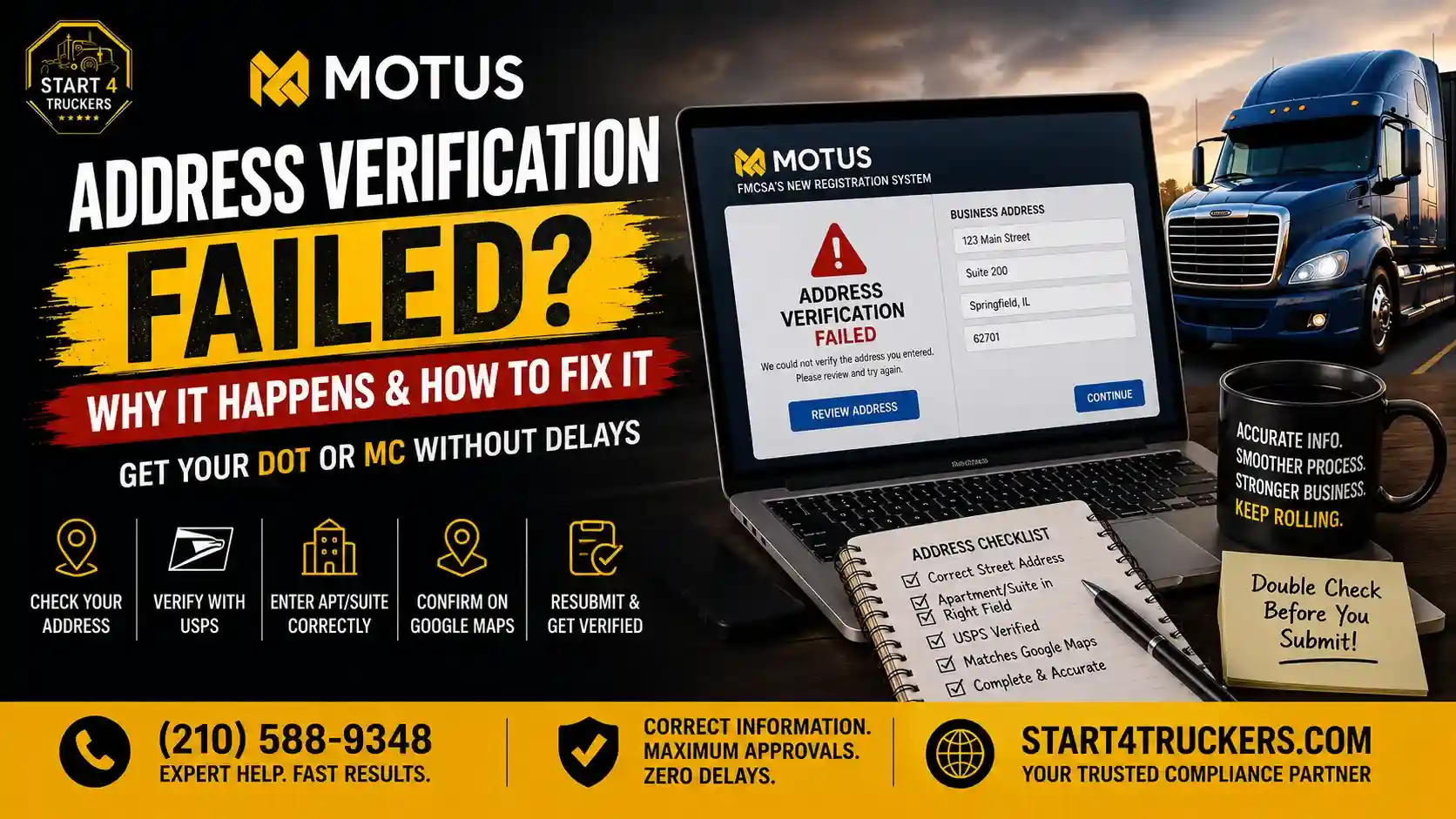
You type your business address into Motus, click continue, and get an error. But the address is real. You get mail there. Your truck parks there. So why won’t Motus take it?
In many cases, Motus cannot match the address you entered with the standardized address in the U.S. Postal Service (USPS) database. A missing suite number, an incorrect street number or an outdated rural route format can cause a mismatch. However, a USPS match does not automatically mean that the location meets FMCSA’s requirements for a principal place of business. FMCSA also requires a legitimate principal place of business where the carrier conducts transportation-related operations and can make required safety records available for inspection. Below, we go through each error message, what it usually means and how to fix it.
If your Motus application provides USPS address validation, look up your address using the USPS ZIP Code Lookup tool first. Re-enter it in Motus using the standardized USPS format, then follow the on-screen instructions to select a matching address. If the application displays “No USPS Match – FMCSA Verification Required” and USPS cannot match your real address, select that option and follow the instructions to provide supporting evidence. Do not enter a different address just to get past the check.
How Motus Checks Your Address
FMCSA’s published Motus job aid documents USPS address validation in the supporting-company registration process. In that workflow, the system checks the entered address against USPS records:
- USPS finds a match. The system displays a standardized address in a dropdown menu. The user selects it, and a checkmark appears.
- USPS does not find a match. The user can select “No USPS Match – FMCSA Verification Required.” A warning icon appears, and the system requests supporting evidence.
In Motus workflows that display a USPS address dropdown, select the suggested address before continuing. If no match appears, follow the verification instructions shown in your application.
Physical Address vs. Mailing Address
Motus asks for two addresses, and they follow different rules.
| Address type | Physical address (principal place of business) | Mailing address |
| What it is | Where you run the business and keep safety records | Where FMCSA sends your mail |
| P.O. box allowed? | No | Yes |
| What FMCSA uses it for | Safety audits and site visits | Letters and notices |
FMCSA defines the principal place of business (PPOB) as the physical address where the company conducts transportation-related business operations and regularly maintains its safety records. FMCSA uses this address for on-site safety audits, investigations and other activities. A P.O. box, private mailbox or virtual work center is not acceptable as the principal place of business. The address of a consultant, service agent or attorney is also not acceptable unless the company actually conducts transportation-related operations there and maintains its safety records at that location.
A virtual mailbox or a private mailbox at a store such as The UPS Store may receive your mail, but it does not qualify as your principal place of business simply because you can receive business correspondence there.
If you actually conduct your trucking business from home and maintain your safety records there, your home address may qualify as your principal place of business. If you prefer to receive FMCSA correspondence somewhere else, you can list a separate mailing address, including a P.O. box. When Motus asks whether your mailing address is the same as your business address, answer “No” and enter the box there.
Check Your Address With USPS Before You Retry
This quick check can help you identify common address-formatting problems before trying again.
- Go to the USPS ZIP Code Lookup tool and choose Find by Address.
- Enter your street, city and state.Enter the street, city, state, and ZIP code if known. Compare the result with your actual business address.
- Look closely at the result: spelling, street suffix (St, Ave, Rd), direction (N, SW), unit number and ZIP+4.
- Type the address into Motus the same way.
- Select the matching address from the Motus dropdown.
If USPS changes something, such as “Highway 9” to “State Highway 9,” use the USPS version. Just make sure it’s still your real location.
How to Format Your Street, Unit and ZIP Code
Address formatting differences can cause verification problems. Here are some common ones:
| What people type | USPS style |
| 1234 Main Street Suite 200 | 1234 MAIN ST STE 200 |
| 1234 N. Main St. #200 | 1234 N MAIN ST STE 200 |
| 55 Oak Avenue Apartment 4B | 55 OAK AVE APT 4B |
| Unit number typed into the city field | Unit at the end of the street line, or in Address 2 if Motus shows that field |
| Rural Route 2 Box 15 | Check USPS first. Your county may have given you a street address since. |
| ZIP code from an old address | The ZIP code USPS shows for this address |
Follow the address format returned by USPS and the field instructions shown in Motus. If your suite or apartment number is missing from the suggested address, check the unit information with USPS before submitting. Do not move or remove a valid unit number just to force an address match.
Common Motus Address Errors and What They Mean
Address Verification Failed
This is a general address verification error. It may appear when Motus cannot validate the information entered, but the message alone does not confirm which field caused the problem.
Start with the USPS check above. Look hard at the house number, the street suffix and the ZIP code. If USPS confirms the address and Motus still shows an address verification failure, make sure you picked the address from the dropdown instead of only typing it.
The Apartment Number or Rural Box Number Could Not Be Verified
This message suggests the secondary address information, such as an apartment, suite, or rural box number, could not be verified. Common causes:
- The suite or apartment number is wrong, or USPS labels it differently (“Ste 200” vs. “2nd Floor”)
- You left out a unit number that USPS requires for that building
- You added a unit that USPS doesn’t have on file
- The rural route box number changed or no longer exists
What to do
Look up the address on USPS and check the unit information. If the unit is missing from USPS, ask your property manager or local post office to confirm the correct address. If your Motus application provides a “No USPS Match – FMCSA Verification Required” option, follow its instructions rather than deleting a valid unit number.
Street Is Invalid: The Address Number Is Out of Range
The street exists, but USPS doesn’t have that house number on it. This usually comes from:
- Swapped or missing digits (1243 instead of 1234)
- The wrong direction. N Main St and S Main St can have different number ranges.
- The wrong city or ZIP code, which points USPS to a different street with the same name
- A new building that USPS hasn’t added yet
What to do
Compare the number with your lease or a utility bill. Run the USPS lookup again with the right direction and ZIP code. If the building is new, your local post office can tell you whether the address is in the USPS system yet.
Motus Unable to Find Address
USPS has no match at all, so the Motus dropdown shows no suggestions. Likely causes:
- A typo in the street name
- An old street name the city has since changed
- A city name USPS doesn’t use for that ZIP code (USPS may list a nearby town)
- A lot or yard that doesn’t get mail delivery
What to do
Search USPS by ZIP code to see which city names it recognizes. Check the street name and suffix against your actual address. If USPS cannot match the location, check whether your Motus application provides a “No USPS Match – FMCSA Verification Required” option. If it does, follow the instructions for submitting supporting evidence. Otherwise, contact FMCSA for guidance.
Please Double Check Your Address and Re-enter It
This prompt usually means something in the fields didn’t read correctly. Extra spaces, a unit in the wrong field, symbols like “#” or a city, state and ZIP that don’t line up can all trigger it. Clear the fields and type everything fresh. Don’t paste the address from a document, because pasted text can carry hidden spaces.
When USPS Can’t Match Your Real Address
What Does Override Address Verification Mean?
“Override” isn’t a button in FMCSA’s Motus job aid. People use the word for skipping the automatic USPS match and asking FMCSA to check the address by hand. In Motus, that’s the “No USPS Match – FMCSA Verification Required” option.
Selecting this option does not mean FMCSA has approved the address. In the documented supporting-company workflow, Motus requests supporting evidence for FMCSA verification. Follow the instructions shown in your application.
What If USPS Cannot Verify My Business Address?
Don’t switch to a nearby address that USPS accepts just to get through. That can create a mismatch with your state filing, insurance and IRS records, and it can cause more matching problems in Motus later.
Instead:
- Select No USPS Match – FMCSA Verification Required, if your Motus application displays that option.
- Upload the supporting evidence requested by Motus. FMCSA’s published job aid does not provide a complete list of accepted document types. You can gather records such as a utility bill, lease or property document to discuss with FMCSA, but do not assume every document will be accepted.
- Check that the address on your application is accurate and be ready to explain any differences between it and your state or IRS business records.
- If you are unsure which documents to submit or the review is delayed, contact FMCSA through Ask FMCSA or call 1-800-832-5660.
Changing Your Address or Business Name in Motus
If your business address has actually changed, update the appropriate FMCSA records rather than entering an old or unrelated address to pass verification.
USDOT registration details and operating-authority records may require separate updates. FMCSA uses Form MCSA-5889 for applicable operating-authority name and address changes. A $14 processing fee applies to certain operating-authority name changes, but not ordinary address changes.
If you cannot access your company account or are unsure which record to update, contact FMCSA. For the full process, read our guide to changing your business name or address in Motus.
Mistakes That Make Address Problems Worse
- Using a P.O. box, virtual mailbox or your registered agent’s address as your physical address
- Typing the address and skipping the dropdown selection
- Changing your real address to a nearby one that USPS accepts
- Deleting a real suite number to make the error go away
- Clicking an “update your Motus profile” email link. FMCSA has warned about fake Motus websites. The only real one is motus.dot.gov.
If the address passes and your application hits a different error, our guides to Motus registration errors cover the other common problems.
Need Help With Your Motus Address?
Start4Truckers.com is a private filing service, not FMCSA. We can’t override Motus or USPS checks. We can check your address against USPS and your state and IRS records before you submit. We can also help you gather proof for an FMCSA review, and handle your USDOT registration or MCS-150 update.
Frequently Asked Questions
Why does Motus say my address is invalid when it’s correct?
Motus uses USPS address validation to check and standardize the address you enter. If the street name, city, ZIP code or unit number does not match USPS records, the system may not find a match. However, a USPS match does not prove that the location qualifies as your principal place of business under FMCSA rules. Make sure the address is both correctly formatted and a real location where your company conducts business and maintains its safety records.
Can I use a P.O. box in Motus?
Only as your mailing address. Your physical address, or principal place of business, has to be a real location where you run the business and keep safety records.
Can I use my home address for my trucking company?
Yes, if you actually conduct your trucking business from home and regularly maintain your safety records there. You can list a separate mailing address if you prefer to receive FMCSA correspondence somewhere else.
Where do I put my suite or apartment number in Motus?
Use the unit label shown in the USPS address result, such as STE 200 or APT 4B. Enter it in the address field indicated by Motus. If the unit is not included in the USPS result or Motus cannot validate it, check the address with USPS or contact FMCSA before changing or removing the unit number.
How long does FMCSA review take after I choose “No USPS Match”?
FMCSA has not published a standard processing time for this type of address review. If Motus requests supporting evidence, upload the documents specified in your application and check your Motus account for status updates. Contact FMCSA if you are unsure what evidence is required.
Does it cost anything to change my address in Motus?
FMCSA does not charge a processing fee for an address change. The $14 fee applies to a name change on an operating-authority record, except when the application is still pending. Updating the USDOT company name is free.